Introduction
Healthcare teams need records that are easy to capture, easy to review, and practical for day-to-day care delivery. EMR software in Kanpur can help clinics, nursing homes, and hospitals move from fragmented paper files and scattered digital notes to a more structured workflow. For providers managing OPD consultations, admissions, follow-ups, and discharge documentation, a well-designed EMR supports continuity of care without forcing teams into overly complex processes.
This EMR platform is designed for hospital and clinic operations with structured patient records, OPD and IPD support, implementation playbooks, and documentation workflows aligned with Indian healthcare needs. It also supports multilingual documentation, AI-assisted note creation, and readiness for interoperability-oriented workflows such as those encouraged by ABDM. Privacy and record controls are designed to align with broader digital health data governance expectations in India, including consent-aware handling principles referenced in the NDHM Health Data Management Policy.
For organisations evaluating EMR software in Kanpur, the goal is usually straightforward: reduce documentation friction, improve record availability, and create a more consistent process across registration, consultation, charting, discharge, and reporting.
Department workflow
Even without a single specialty focus, most care settings in Kanpur follow a repeatable operational pattern. Patients arrive through walk-in visits, scheduled appointments, referrals, or admission desks. Front-office teams collect demographics and visit details. Clinicians then need quick access to prior history, medications, allergies, and previous notes before starting the consultation. During the encounter, they document symptoms, findings, assessments, and treatment plans. If the patient is admitted, the workflow extends into bed allocation, progress notes, orders, discharge summaries, and follow-up planning.
An EMR should support this sequence without creating duplicate work. Structured records help standardise intake and charting. OPD workflows benefit from faster retrieval of prior visits and cleaner consultation notes. IPD workflows benefit from organised progress documentation and discharge preparation. For Kanpur healthcare providers balancing patient volume with administrative load, the value of EMR software in Kanpur lies in making routine clinical tasks more consistent and easier to review.
Features mapped to workflow
Structured patient records: Centralised patient profiles help teams maintain demographics, visit history, diagnoses, medications, allergies, and clinical notes in one place. This reduces dependence on separate registers or disconnected files.
OPD management: Consultation workflows can be organised around appointments, walk-ins, encounter notes, prescriptions, and follow-up instructions. Clinicians can review prior visits quickly and document current findings in a more standard format.
IPD support: For admitted patients, the system can support admission-related documentation, progress notes, care updates, discharge summaries, and continuity into follow-up visits.
AI-assisted notes: Drafting support can help clinicians create more complete notes faster, while still allowing review and editing before finalisation. This is useful when teams want to improve documentation quality without adding unnecessary typing burden.
Multilingual documentation: In settings where staff and patients are comfortable with more than one language, multilingual support can make communication and record capture more practical.
Role-based access: Different users may need different levels of visibility and editing rights. Role-based controls support workflows aligned with operational responsibility, helping front-desk staff, doctors, and administrators access what they need without exposing every record function to every user.
Policy-aware record controls: Record handling features are designed to support workflows aligned with privacy-conscious documentation and interoperability-oriented healthcare operations in India.
How It Works
The rollout of this EMR follows a phased approach so clinics and hospitals can adopt it without disrupting care delivery.
- Set up intake and registration workflows: The first phase maps your front-desk process into the system. Patient registration fields, visit types, identifiers, and appointment or walk-in flows are configured so teams can capture consistent records from the first touchpoint. This creates the base patient profile used across OPD and IPD operations.
- Configure consultation and charting templates: Next, the clinical team sets up structured documentation templates for consultations, assessments, prescriptions, progress notes, and discharge summaries. AI-assisted notes can support faster drafting, while multilingual documentation options help teams record information in a practical format for local use.
- Enable role-based access for daily operations: Front-office staff, clinicians, and administrators are assigned role-based permissions. This matters during registration, consultation, chart review, and reporting because each user should see the functions relevant to their work. Record controls are designed to support workflows aligned with privacy and consent-aware handling expectations rather than broad unrestricted access.
- Train teams on OPD and IPD usage: Adoption is then focused on real workflows: registering patients, opening encounters, documenting consultations, updating inpatient notes, preparing discharge summaries, and scheduling follow-up visits. Implementation playbooks help teams move from paper-heavy routines to repeatable digital processes.
- Review reporting, audit trails, and optimisation: After go-live, administrators and clinical leads review documentation completeness, usage patterns, and reporting needs. This phase helps refine templates, improve note quality, and make sure the EMR continues to support operational goals such as faster retrieval, better continuity, and cleaner records.
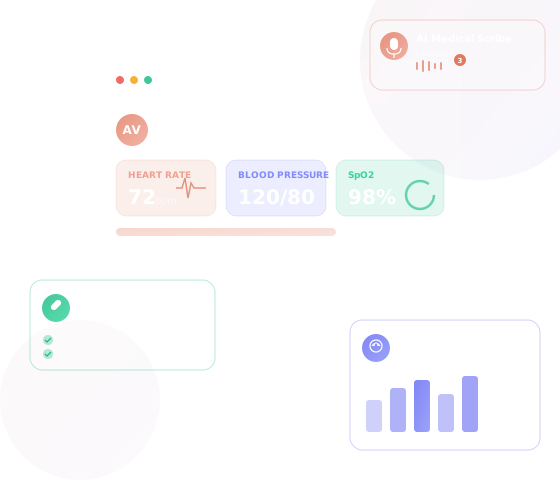
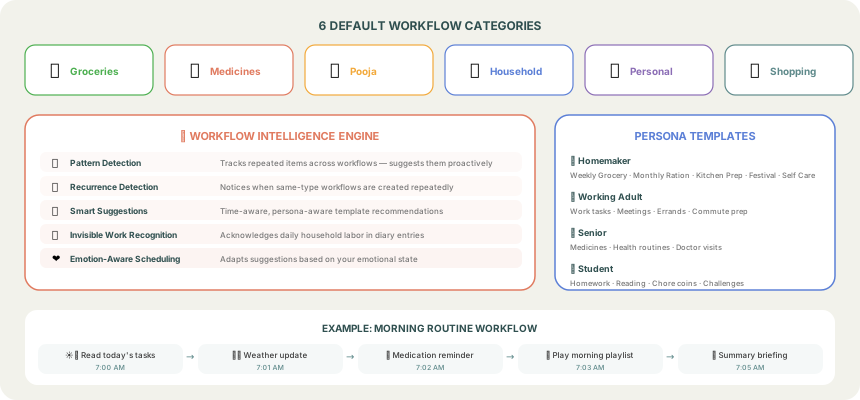
This practical rollout model is especially useful for organisations comparing EMR software in Kanpur and looking for a system that can be introduced in stages rather than all at once.
Local context
Kanpur includes a mix of independent clinics, multi-doctor practices, nursing homes, and hospitals that often need to balance patient throughput with limited administrative time. In such environments, digital systems are most useful when they simplify routine work instead of adding extra screens and duplicate entry. A practical EMR can help local providers standardise records across busy OPD sessions, maintain continuity for repeat patients, and improve documentation quality for admissions and discharge workflows.
When evaluating EMR software in Kanpur, decision-makers often look for flexibility: support for both clinic and hospital use, structured records that are easy to search, and implementation that fits existing teams. They may also want a system designed with Indian healthcare workflows in mind, including readiness for interoperability-oriented initiatives such as ABHA-linked ecosystems where relevant to the organisation's roadmap.
Use cases
Single-doctor clinic: Maintain patient history, consultation notes, prescriptions, and follow-up plans in one record instead of separate paper files.
Multi-specialty clinic: Give different doctors access to shared patient history while keeping documentation structured and easier to review across visits.
Nursing home: Support both outpatient consultations and inpatient documentation, including progress notes and discharge summaries.
Hospital OPD desk: Standardise registration and encounter creation so clinicians can start consultations with cleaner patient information.
Administrative leadership: Improve reporting visibility and documentation consistency without depending entirely on manual file tracking.
These scenarios show why EMR software in Kanpur is relevant not only for large hospitals but also for growing practices that want more reliable records and smoother workflows.
FAQ
Can this EMR work for both clinics and hospitals?
Yes. The platform is designed for clinic and hospital workflows, including structured records, OPD processes, and IPD-related documentation.
Does it support multilingual documentation?
Yes. Multilingual documentation support can help teams capture records in a way that is practical for their staff and patient communication needs.
How does the system help with day-to-day consultations?
It supports registration, access to prior history, structured charting, AI-assisted note drafting, prescriptions, and follow-up documentation in a connected workflow.
Is it aligned with Indian digital health workflows?
The product is designed to support workflows aligned with interoperability and privacy-aware documentation expectations in India, including ABDM-oriented readiness where relevant. It does not claim guaranteed compliance or certification.
CTA
If your organisation is reviewing EMR software in Kanpur, the right next step is to assess how the system fits your actual registration, consultation, admission, discharge, and follow-up process. A practical evaluation should focus on structured records, ease of adoption, role-based access, and whether the workflow supports your clinic or hospital team without unnecessary complexity. Explore the product, review feature fit, and plan a phased rollout that matches your operational priorities.
Related pathways for evaluation may include core EMR overview pages, feature-specific details, hospital-focused workflows, doctor-focused usage, and compliance-security information for teams that want a broader implementation view.